
Sigma AI Chat
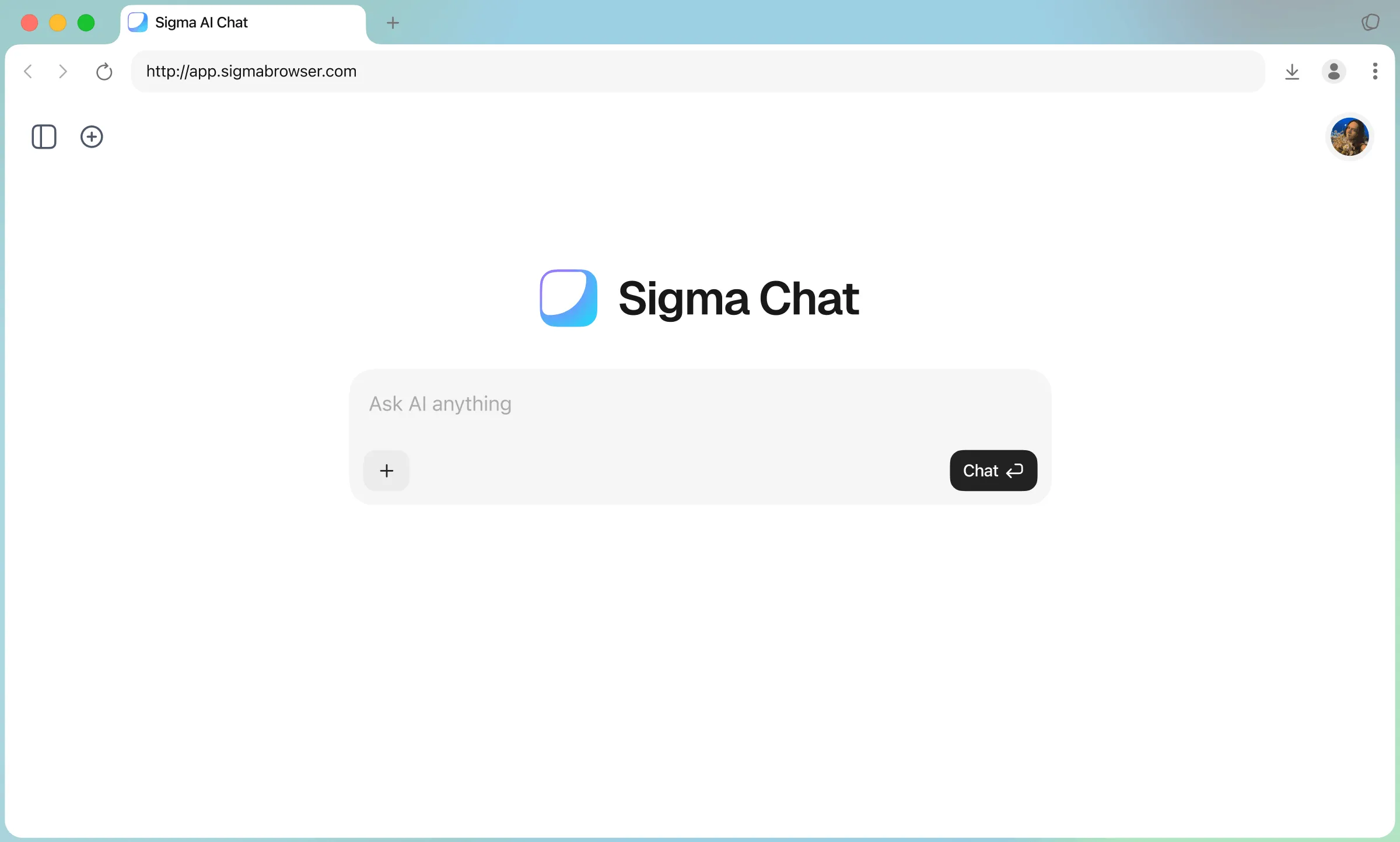
Create images, search and generate content with the best AI Chat
Discover our best features
Image Generation
Generates images from text and lets users adjust the visual style

Deep Research
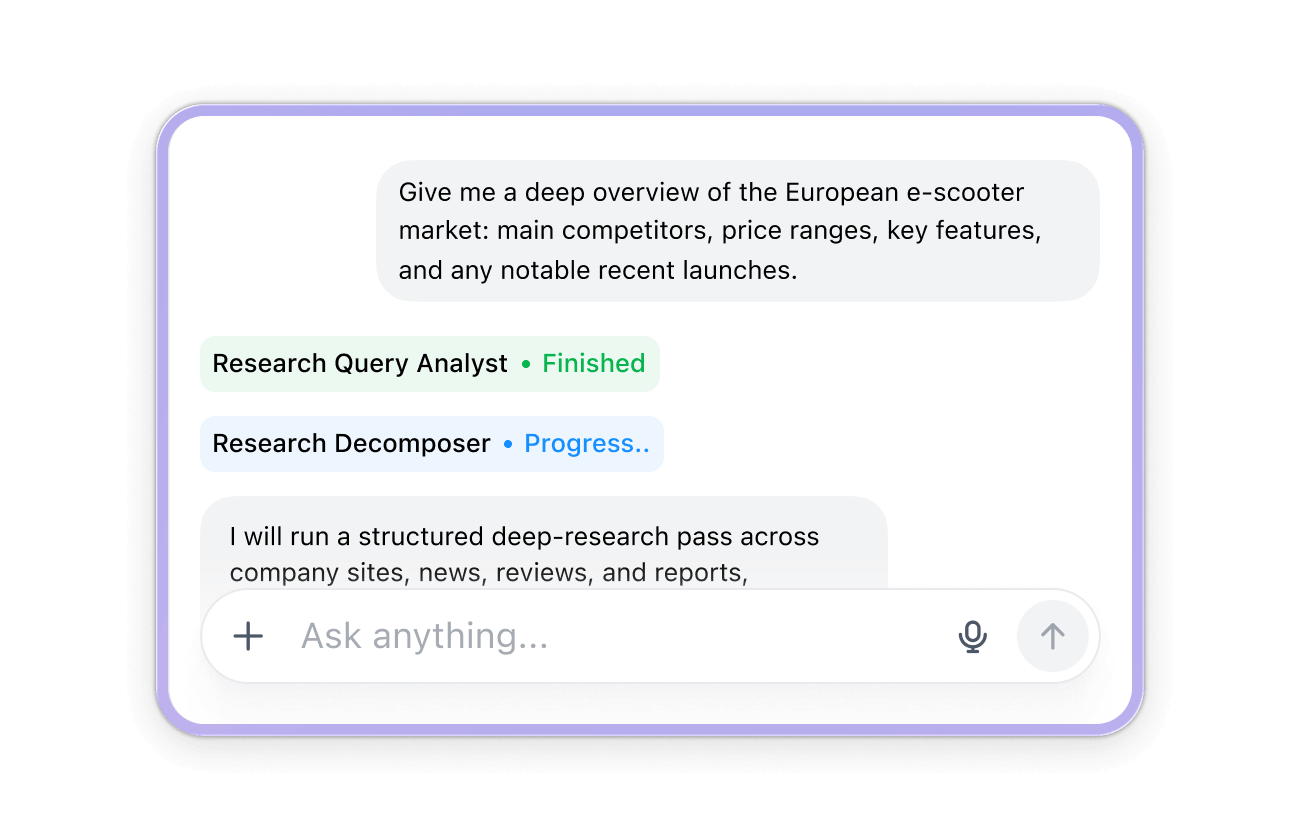
Searches across the web and creates a detailed summary
Text Writer
Generates, edits, rewrites, and improves text from user input

Web Search
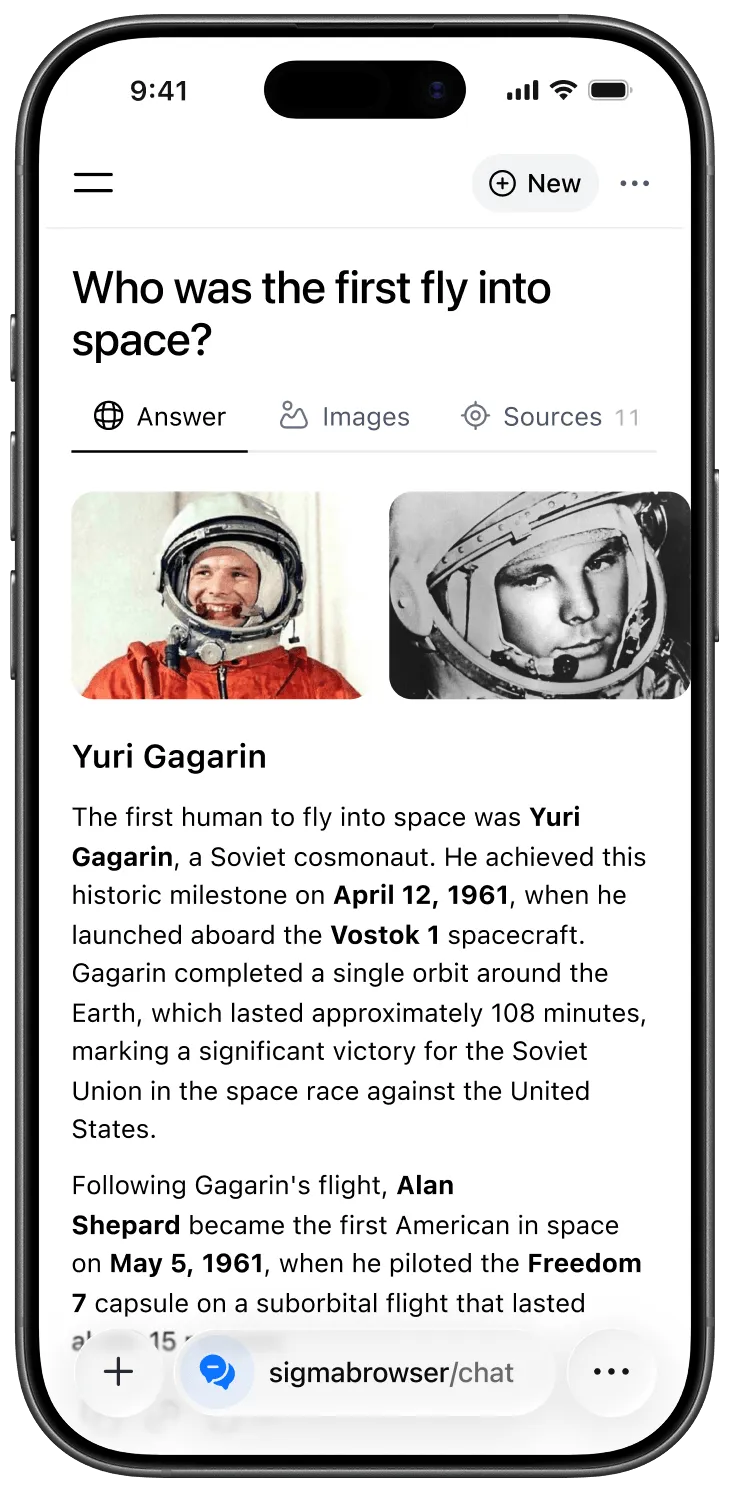
Explores online sources and delivers clear summaries

Chat With Page
Ask questions and get answers directly from a page’s content

TG Search
Search Telegram posts and get a summarized view of opinions

How to Use Sigma AI Chat

1
Open Sigma AI Chat
Use Sigma AI Chat in the web app or download Sigma Browser for in-browser chat.
2
Sign in to your account
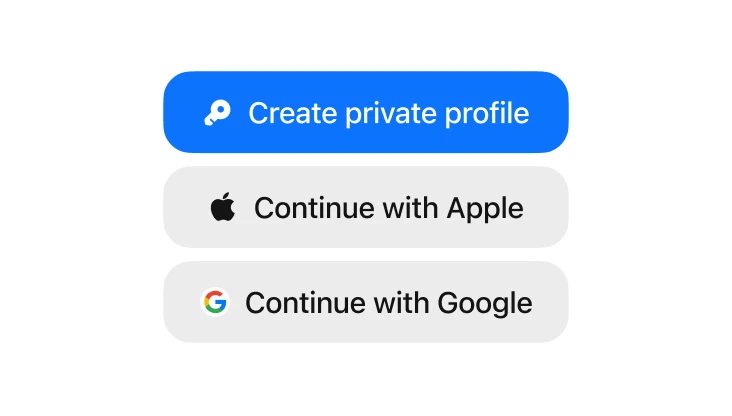
Continue with Google or Apple to create or access your profile.
3
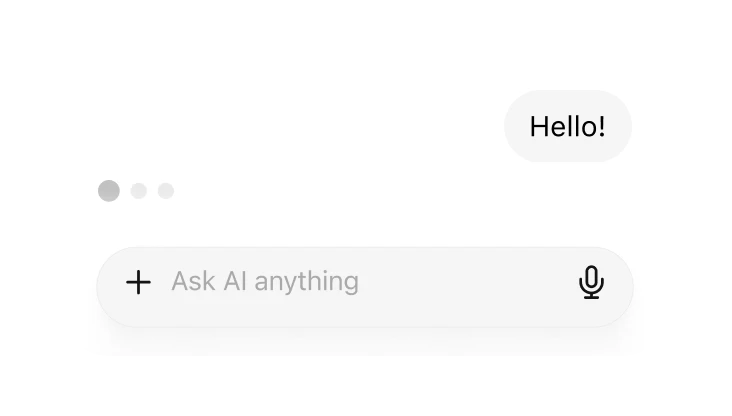
Start chatting
Enter a prompt to ask questions, write, or summarize.
Explore more features

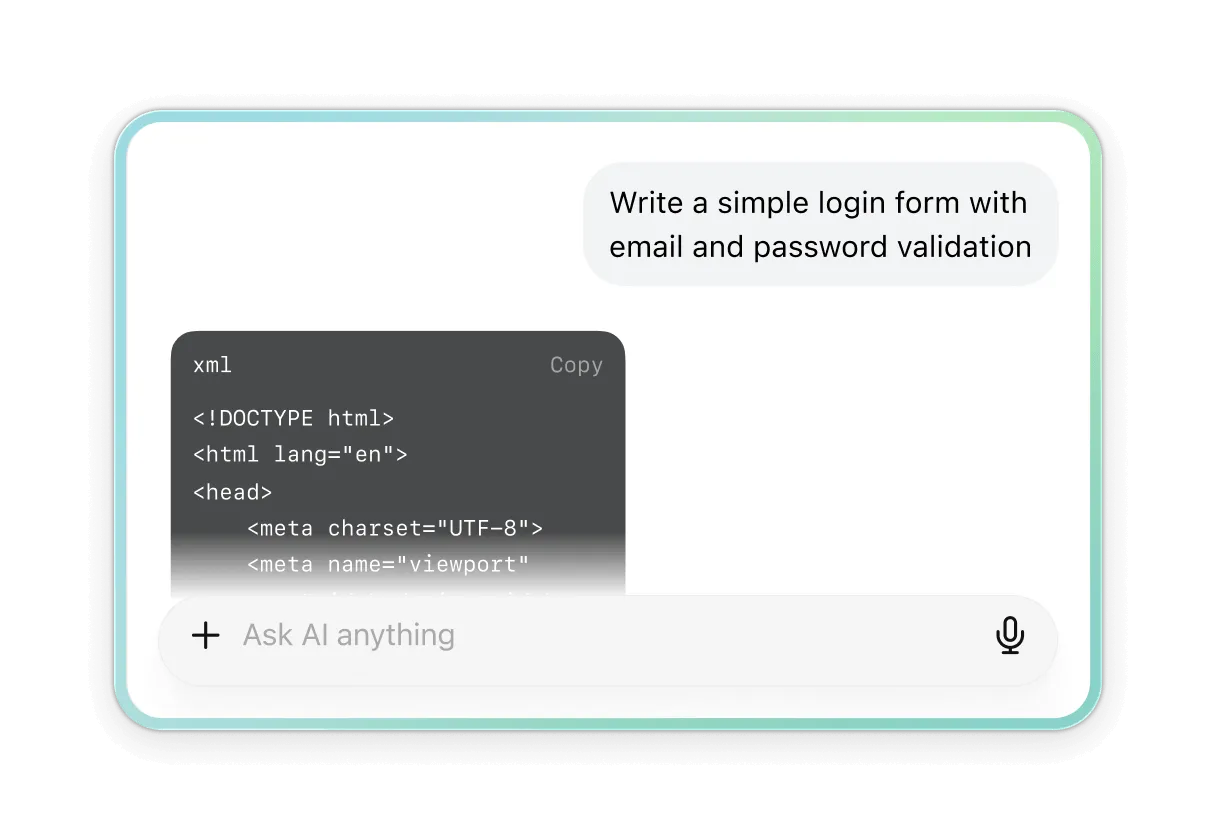
AI for writing code
Tell the AI what code you want, and it does the rest. Edit, fix, and improve existing code in seconds - right where you work.

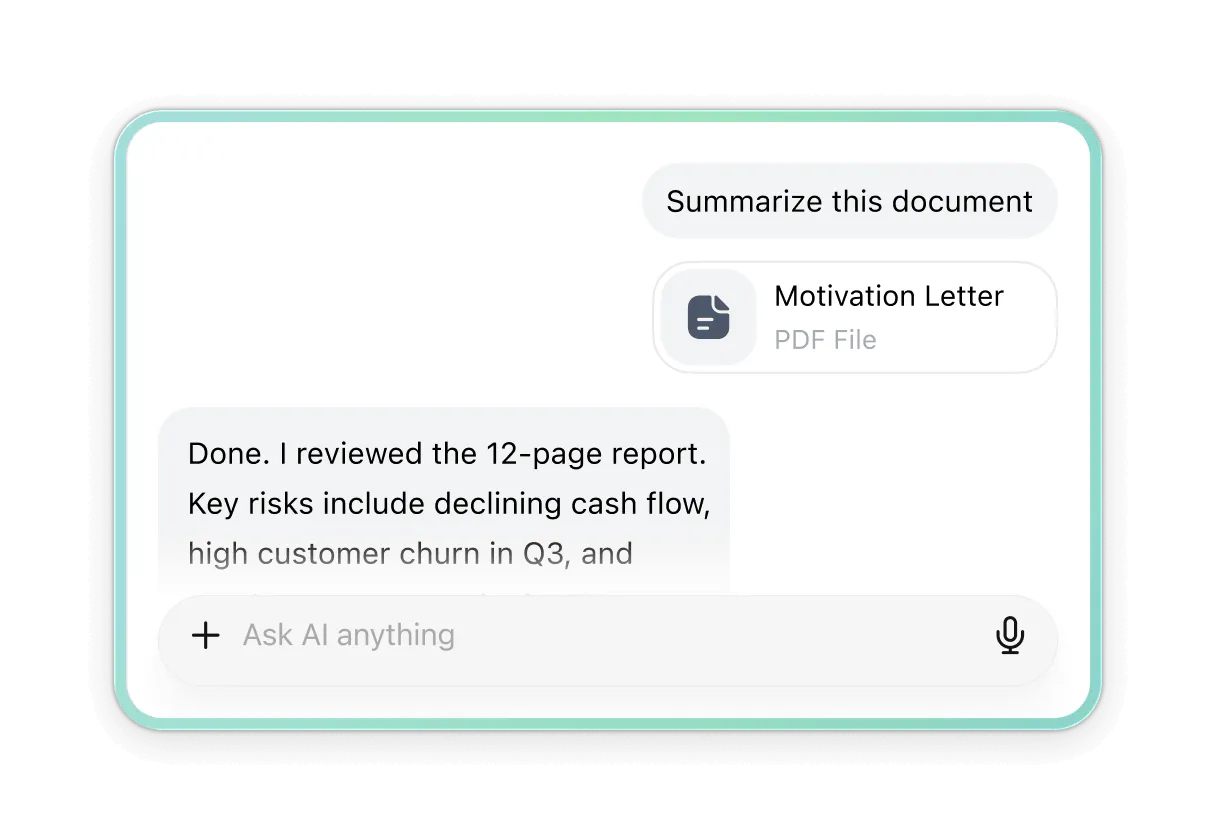
Document analysis
Upload documents and let the AI read, summarize, and extract key points for you.
Find answers, insights, and important details in seconds.

Practice and Prepare
Ask the AI to create tasks on any topic and learn by doing. Get help with exam prep, explanations, and practice that fits your level.

AI comparison
Sigma

Chat GPT

Gemini

Claude

DeepSeek

Free deep research
TG Search
Changing of image style
Private
Pricing
Free
$0
/ mo
Try Sigma
Get Free
Chat on all platforms
Analyze text, images and files
Limited access to AI Agent
Local LLM Eclipse
Limited Image Generation, TG Search and Text Writer
Chat With Page
Limited Deep Research
Plus
Recommended
$10
$8
/ mo
-20%
$10
/ mo
Extend your productivity
Get Plus
Unlimited prompts
Unlimited Text Writer
50x more file uploads
10x more Web Searches
20x more Image Generations
12x more Deep Researches
25x more TG Searches
5 more AI Agent uses
Early access to new features
Pro
Unlimited
$60
/ mo
-20%
$75
/ mo
Unlock full potential
Get Pro
Unlimited file uploads
Unlimited Web Search
Unlimited Image Generation
Unlimited Deep Research
Unlimited TG Search
Unlimited AI Agent
Early access to new features
Learn more in our blog


Download Sigma Browser
Questions & Answers
If you have any questions,
reach out to us on X at @Sigma_Browser
reach out to us on X at @Sigma_Browser
What is Sigma AI Browser?
What’s a browser‑based AI agent?
How is this different from a chatbot or AI assistant?
What kinds of tasks can it do?
What is Deep Research mode?
Is it safe? Will you store my data?
The browser or AI agent isn’t responding, what should I do?
Where can I learn more or suggest features?
×
Get Sigma on Android
We’ll let you know when Sigma for Android launches.


