Private Browser
Incredibly secure. Anonymous by design. Seamless switching
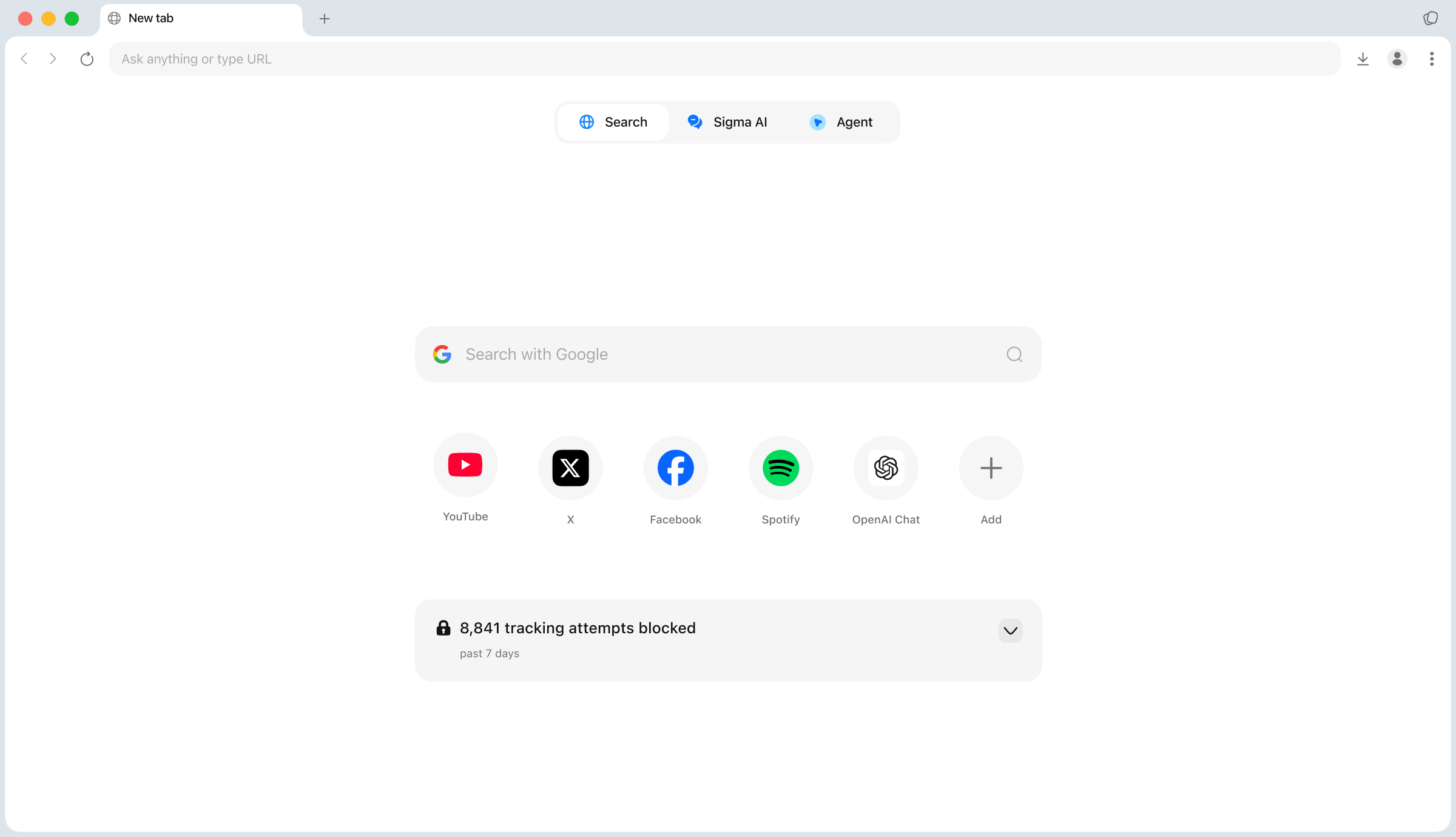
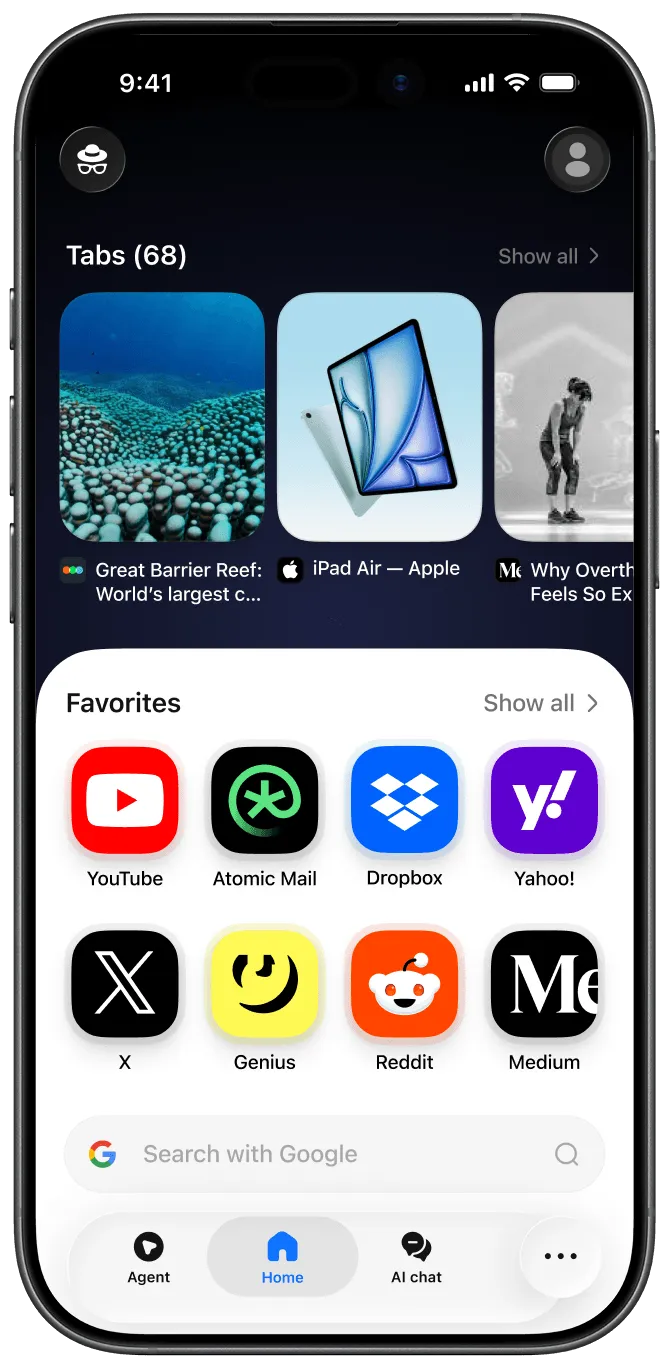
Browser is full of your personal data
Privacy Features in Sigma
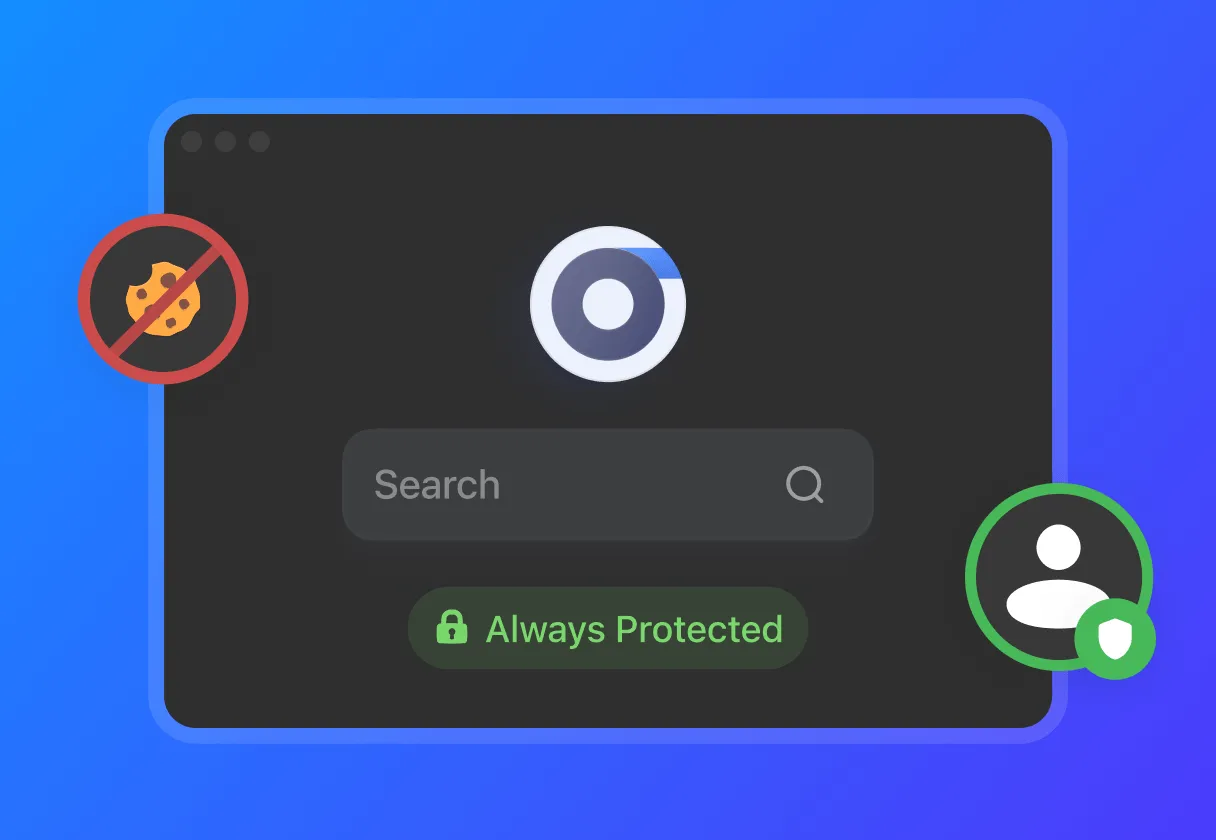
Zero Data Collection
We block cookies, fingerprinting, and trackers by default, ensuring your digital footprint starts and ends with you. Global Privacy Control is on by default — so websites can't share your data.
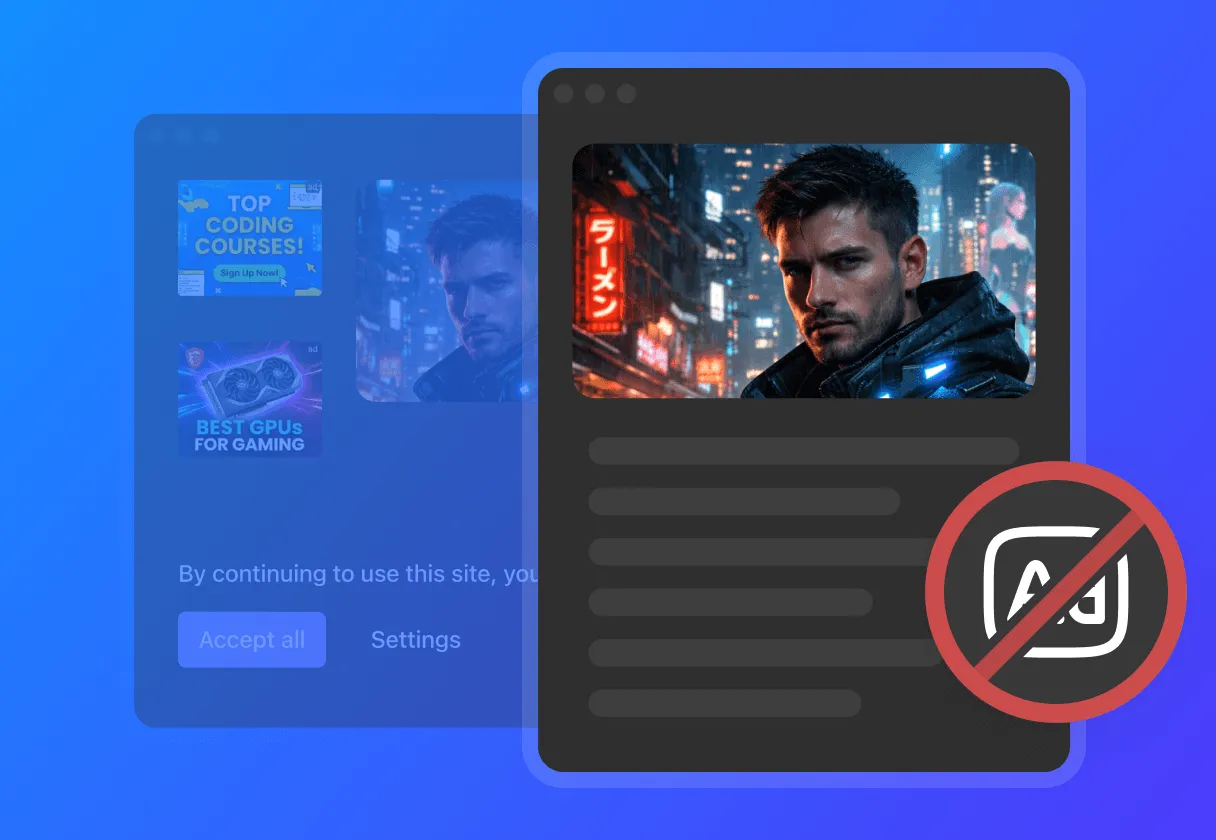
Built-in Ad-Blocker
We block video ads, pop-ups, and banners by default — so you only see what you asked for. Pages load faster, trackers get stopped, and your screen stays clean. Annoying cookie pop-ups? Gone automatically
Integrated Local LLM
A language model that runs entirely on your device — no internet, no censorship, no cloud. Ask anything, summarize pages, draft messages. Your prompts never leave your device, because there's nowhere for them to go.
Why choose Sigma Browser?

Cross-platform support
Available on Windows, macOS, iOS, and Android. Switch between devices seamlessly — your browser moves with you.
GDPR-compliant
Sigma Browser is fully GDPR-compliant — your data stays yours, always.

Open-source
Our code is open for anyone to inspect. Watch us build in public — everything's on GitHub.

Free private browser
Simply download, open, and start using. No payments or hidden fees inside.

Built-in AI Assistant
Like having AI Chat always open — but built directly into your browser. Summarize, explain, answer — on any page, in seconds.

Seed phrase backup
Passwords are outdated. 12-words phrase restores everything — and only you have it.

Built-in AI Agent
Our AI agent takes complex commands and executes them. No complicated setup — just tell it what to do.

The Lightest & Fastest
The lightest browser you'll find. The fastest one too.
How to turn on Private Browsing?
Download Sigma Browser
Get started in seconds with a quick installation
1

Open browser
Launch the app and follow the steps
2
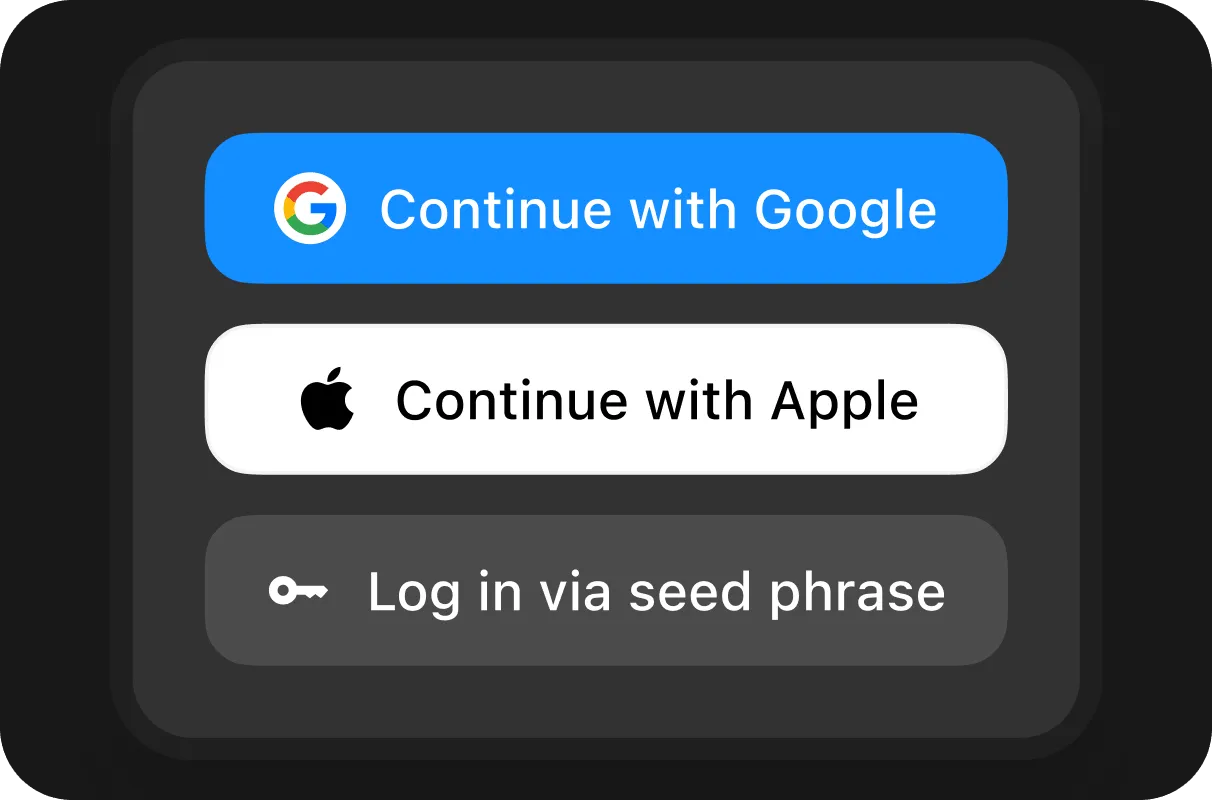
Create account
Sign in with Google, Apple, or your seed phrase
3
What is the most private browser?

Sigma

Chrome

Edge

Atlas

Opera

Firefox

Brave
Privacy by Default
Partial
Tracker Blocking
No-Data Collection
Local AI
Open-Source
Partial
Partial
Partial
Partial
Questions & Answers
If you have any questions,
reach out to us on X at @Sigma_Browser
reach out to us on X at @Sigma_Browser
What is private browser mode?
Should I enable private browsing?
Can anyone see what I do on private browsing?
Why do people use private browsing?
Is private mode really private?